

Personal
Open your personal account
Three short tasks from your phone or your computer. We show you every screen exactly as you will see it.
Your basic details, your email and your password.
Go to b2c.efyfinance.com and tap Create new account.Go to b2c.efyfinance.com and click Sign up, below Log in.
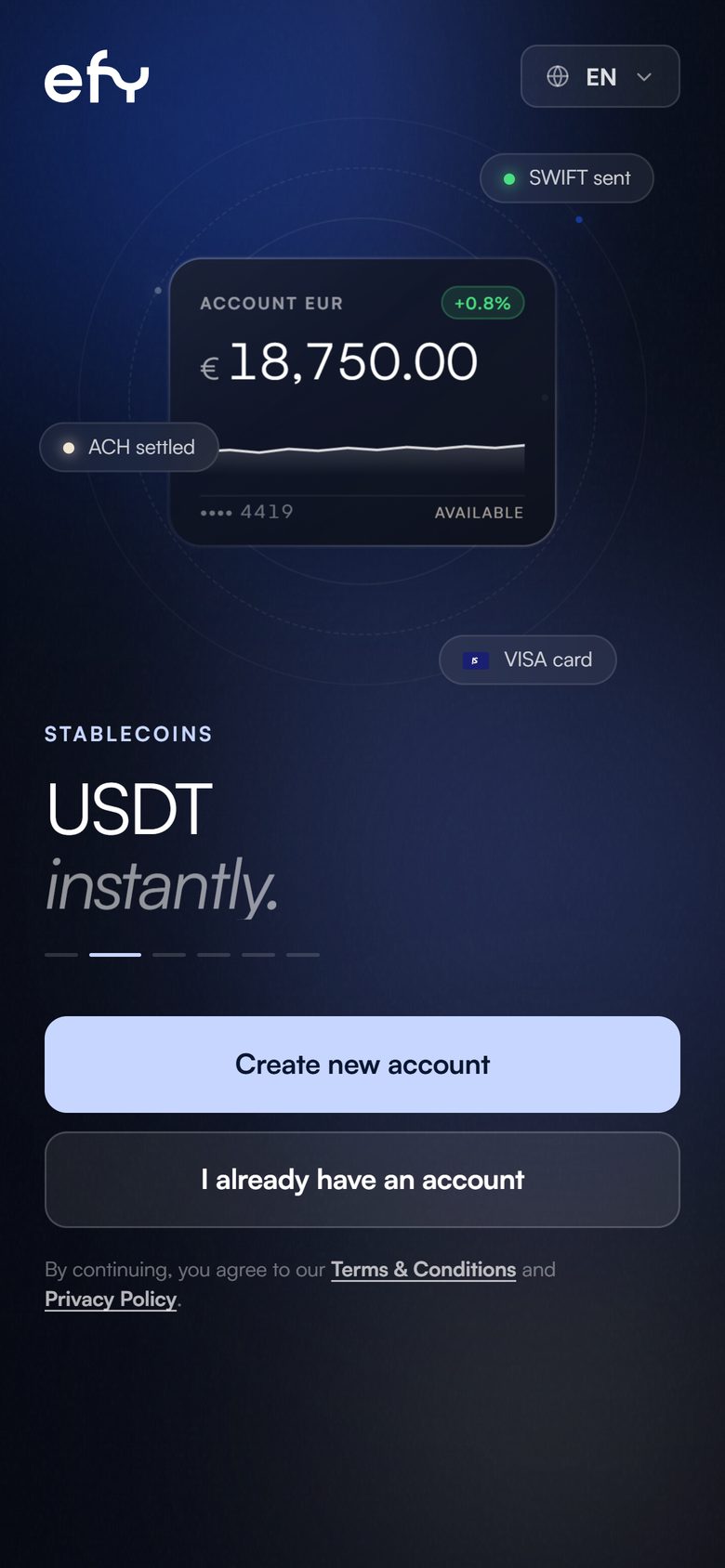
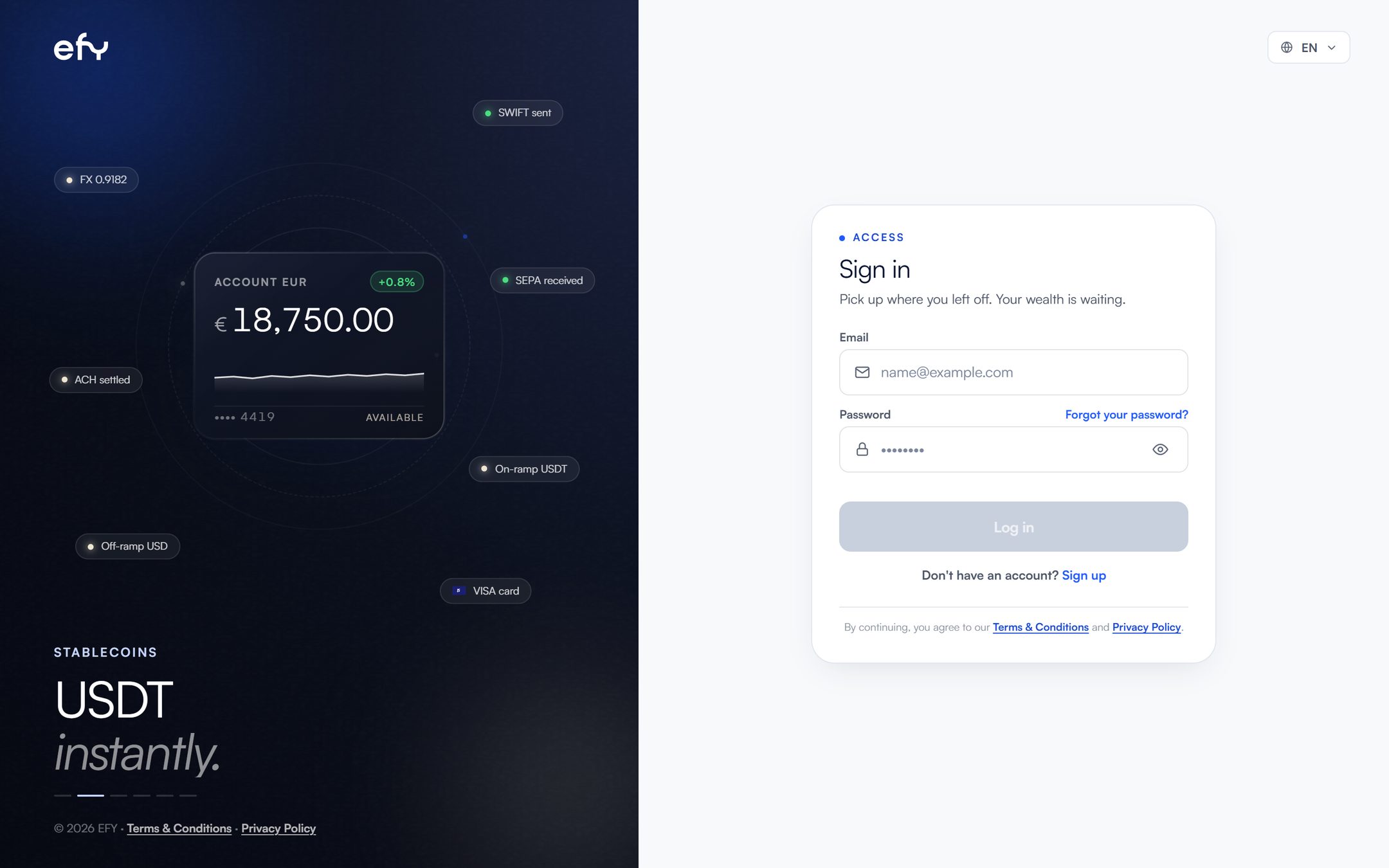
If you already have an account, log in with your email and password.
Tap Personal account and then Continue.Click Personal account and then Continue.
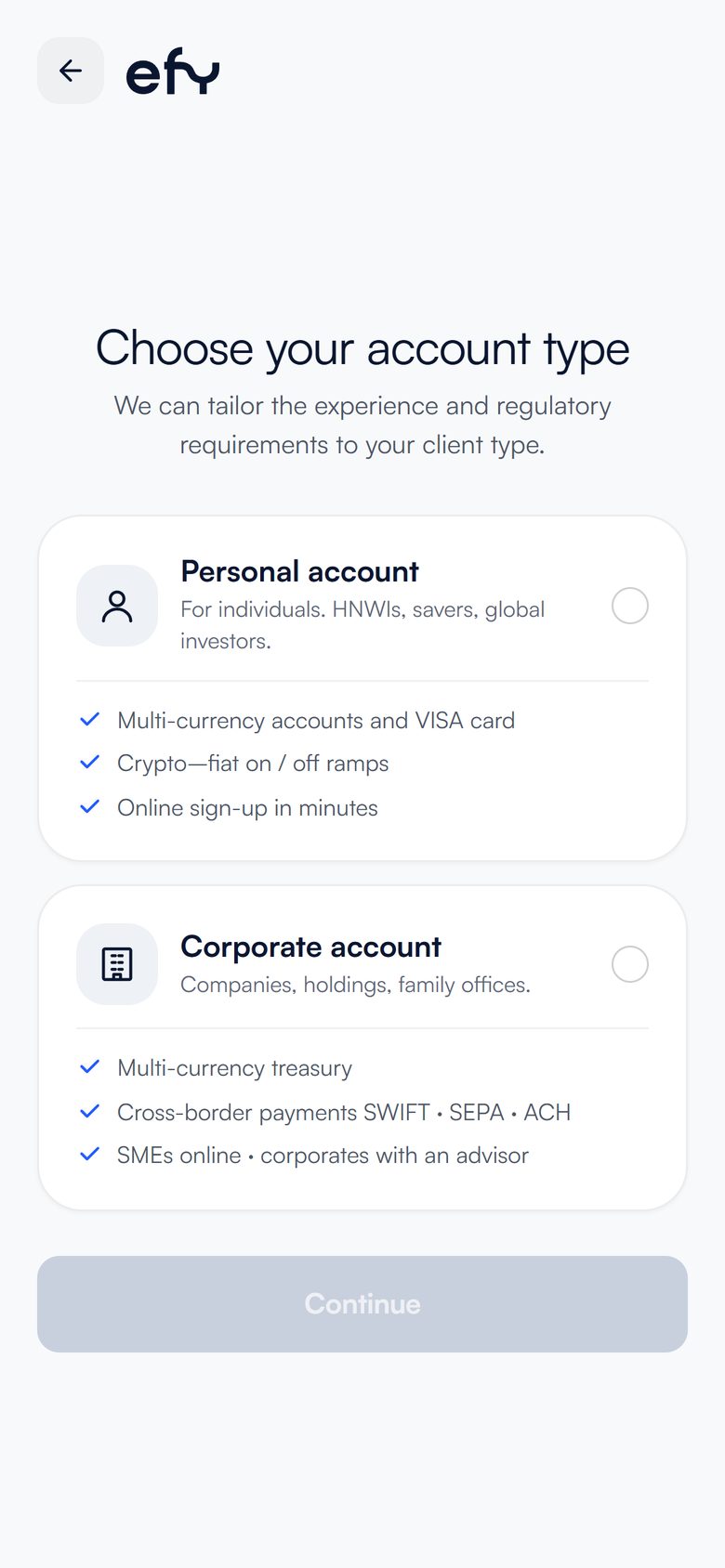
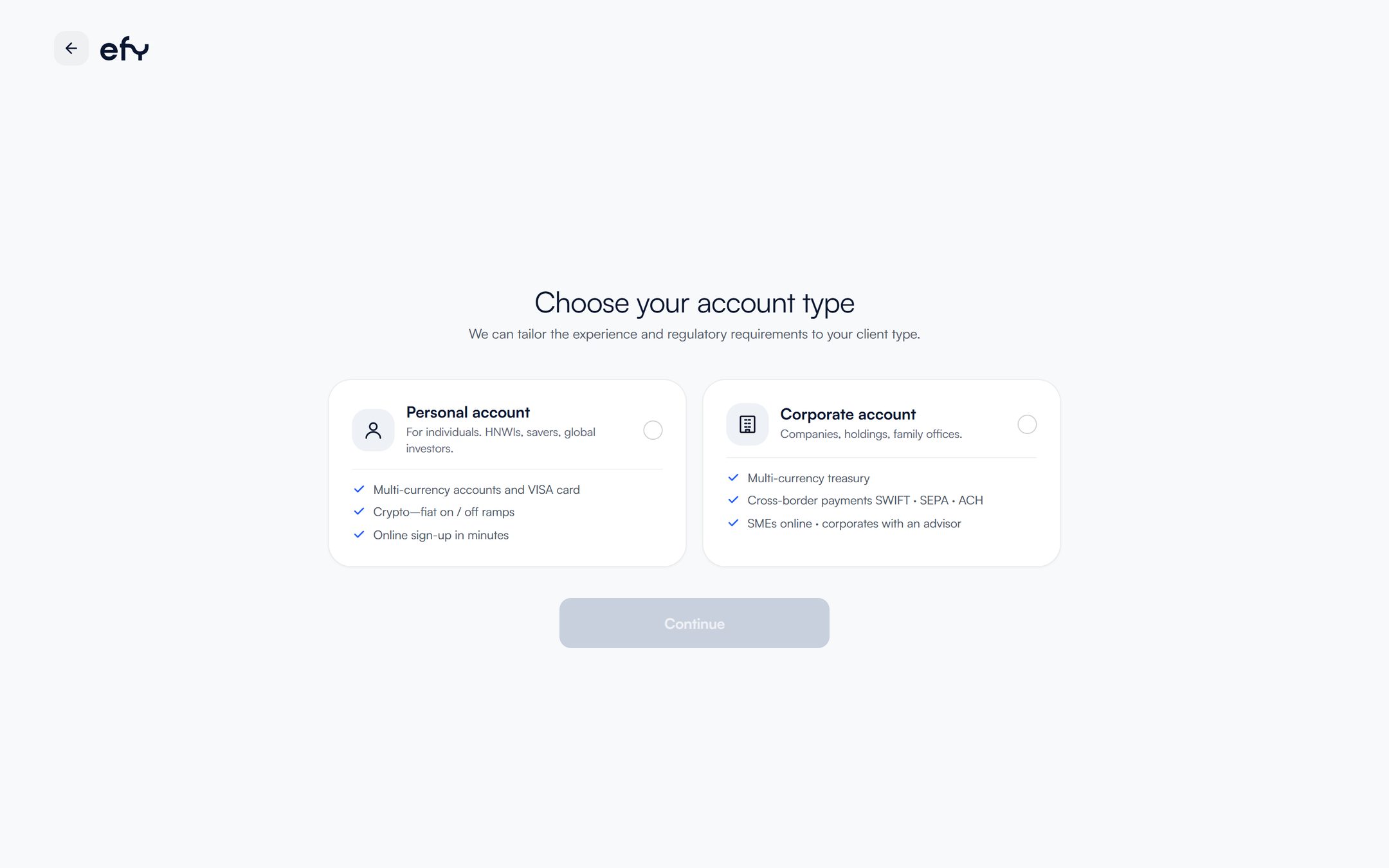
If it is for a company, choose Corporate account.
Enter your details exactly as they appear on your passport.
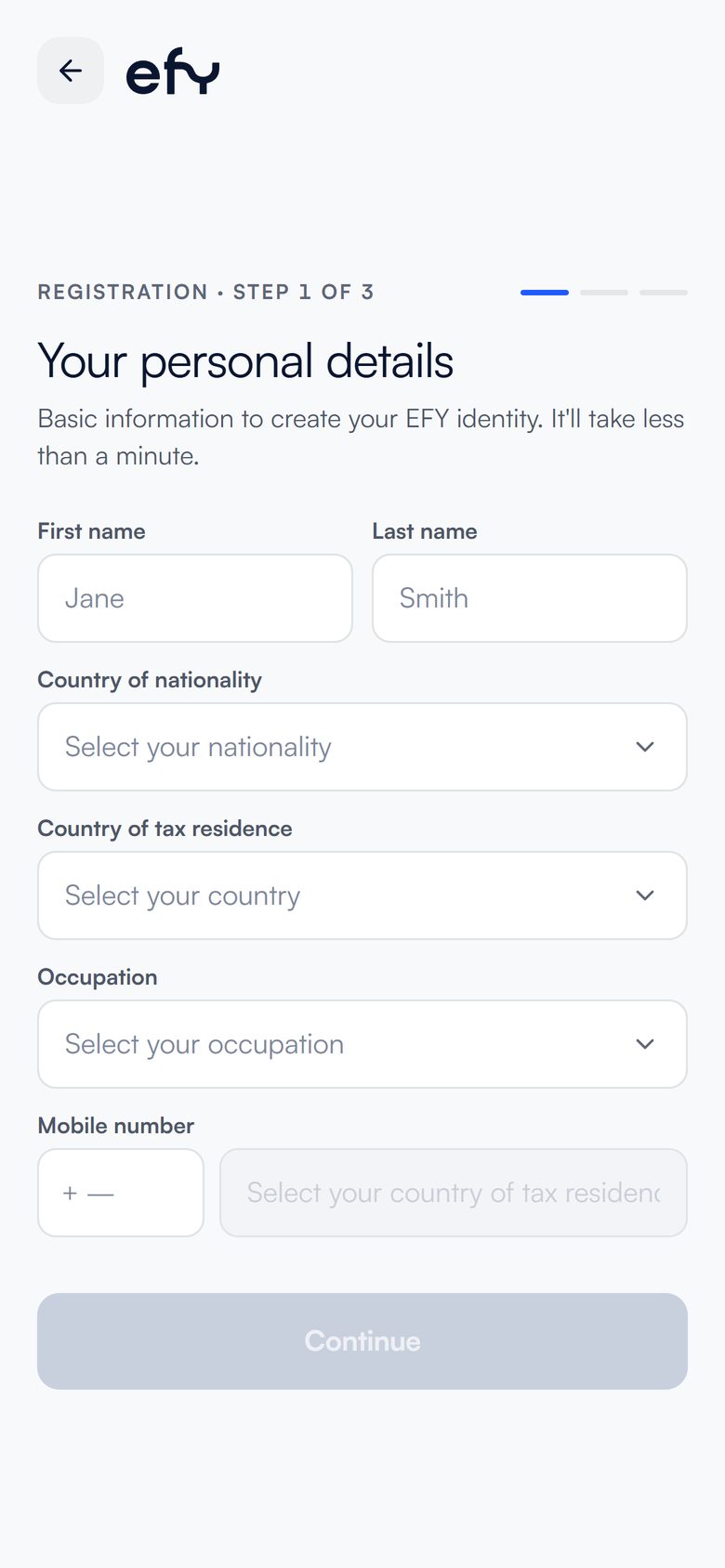
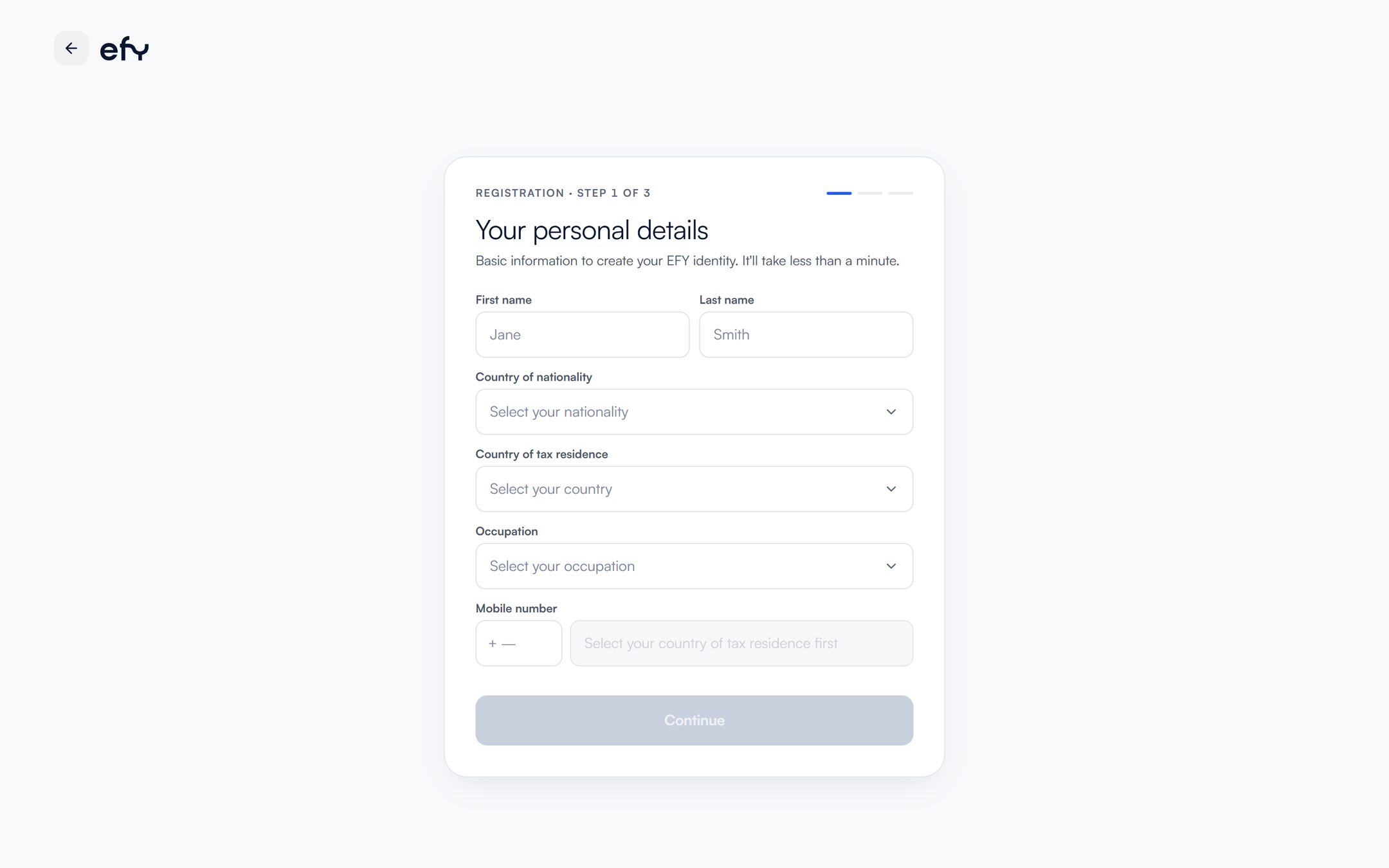
Choose your country of tax residence first: that unlocks the mobile number field.
Create your email and password.
Temporary or disposable email addresses are not accepted.
Enter the code we sent to your email.
If you do not see it, check your spam folder.
We confirm that you are who you say you are. You can pause and continue later.
Answer the questions about your profile, your address and the PEP declaration.
They are short questions about how you will use the account.
Tap Passport and then Continue.Click Passport and then Continue.
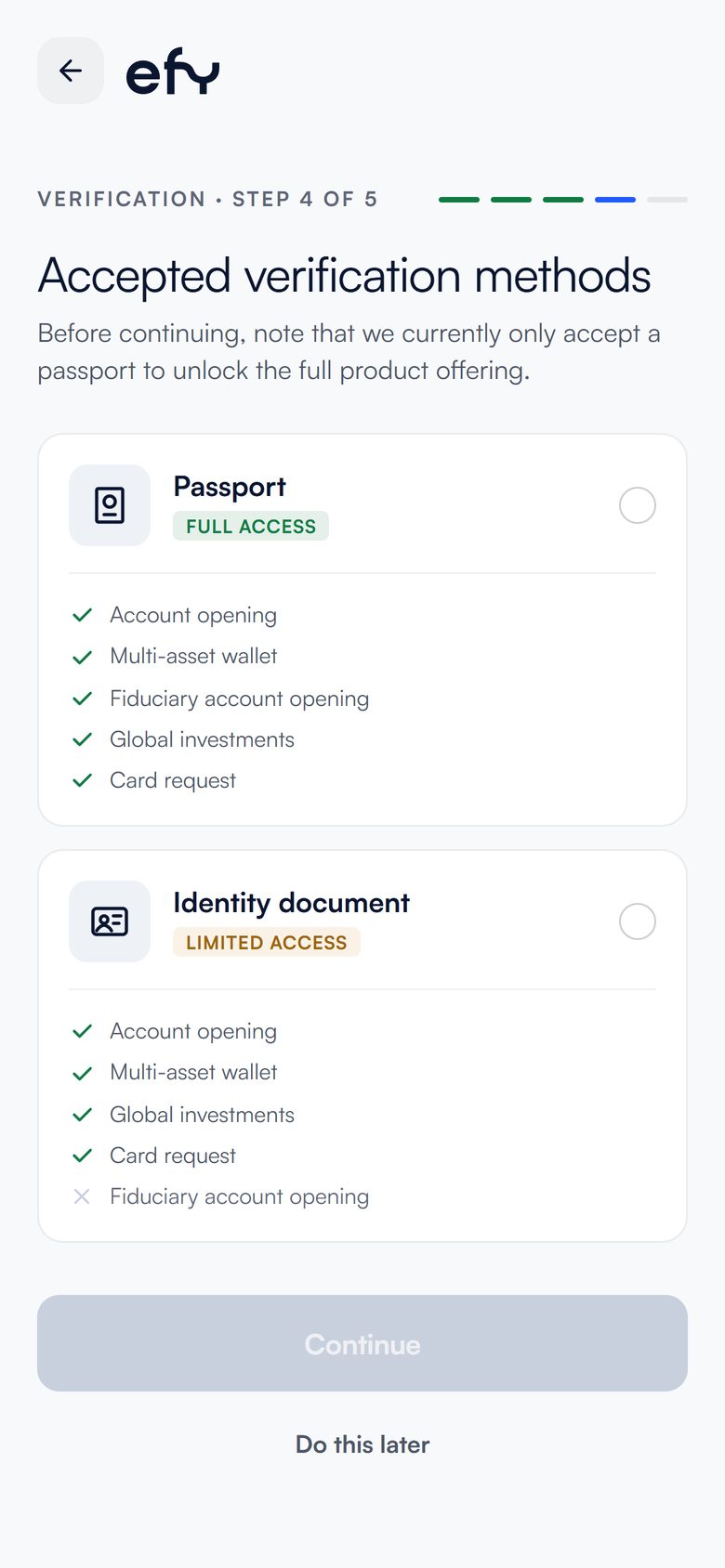
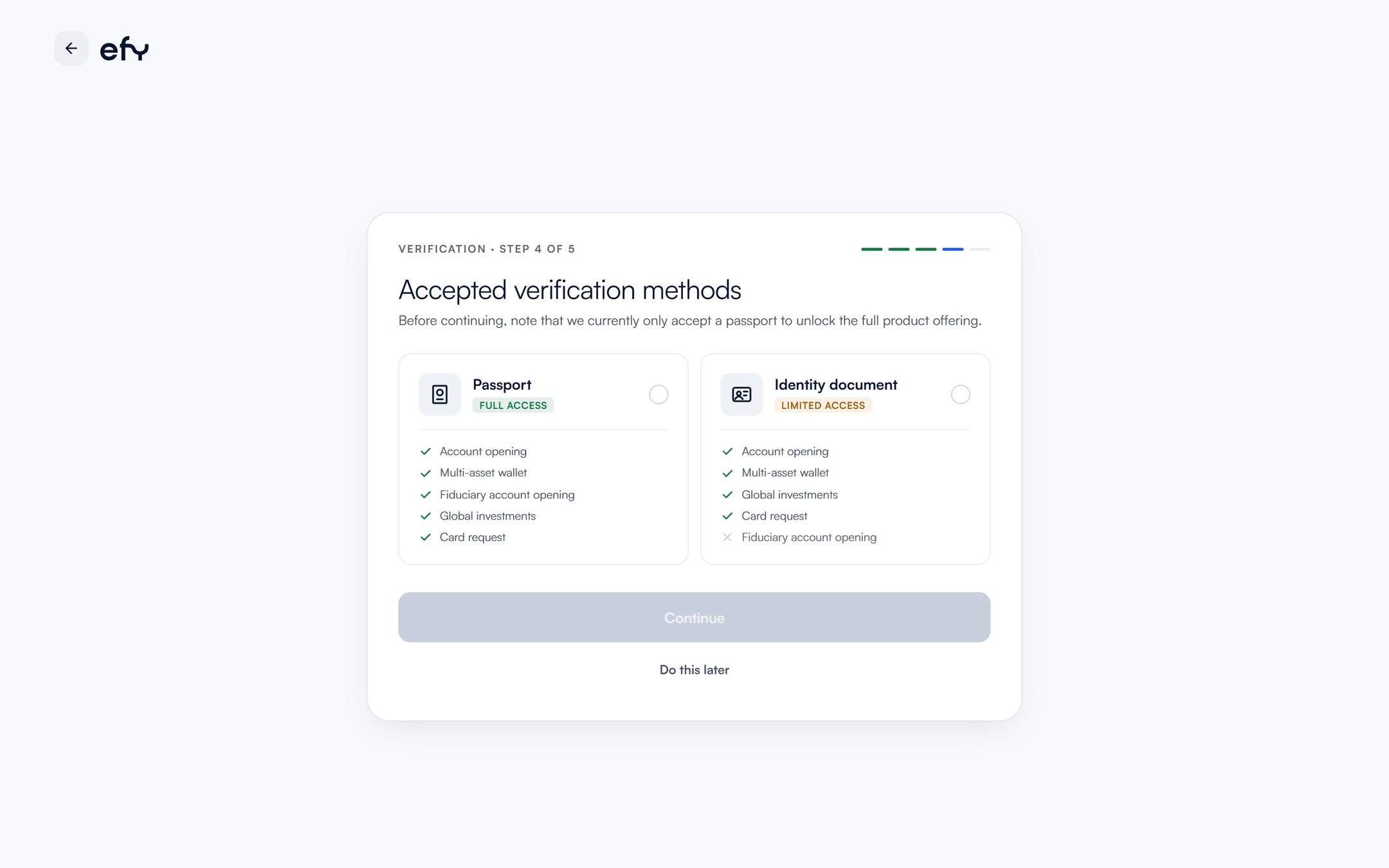
With an identity document you will not be able to open fiduciary accounts.
Take a photo of your passport and record a short video of your face.
Original document, good lighting and no glare.
Every time you log in, we will ask for a code from your authenticator app.
Download Google Authenticator on your phone.
 Google Authenticator
It generates the 6-digit code efy asks for every time you log in.
Point your phone's camera at the code for your system and the download opens.Tap the code for your system and the download opens.
Turn on two-step verification and scan the code efy shows you with that app.
We will email you when your account is approved.
You now know the whole process.
Go to sign-up